


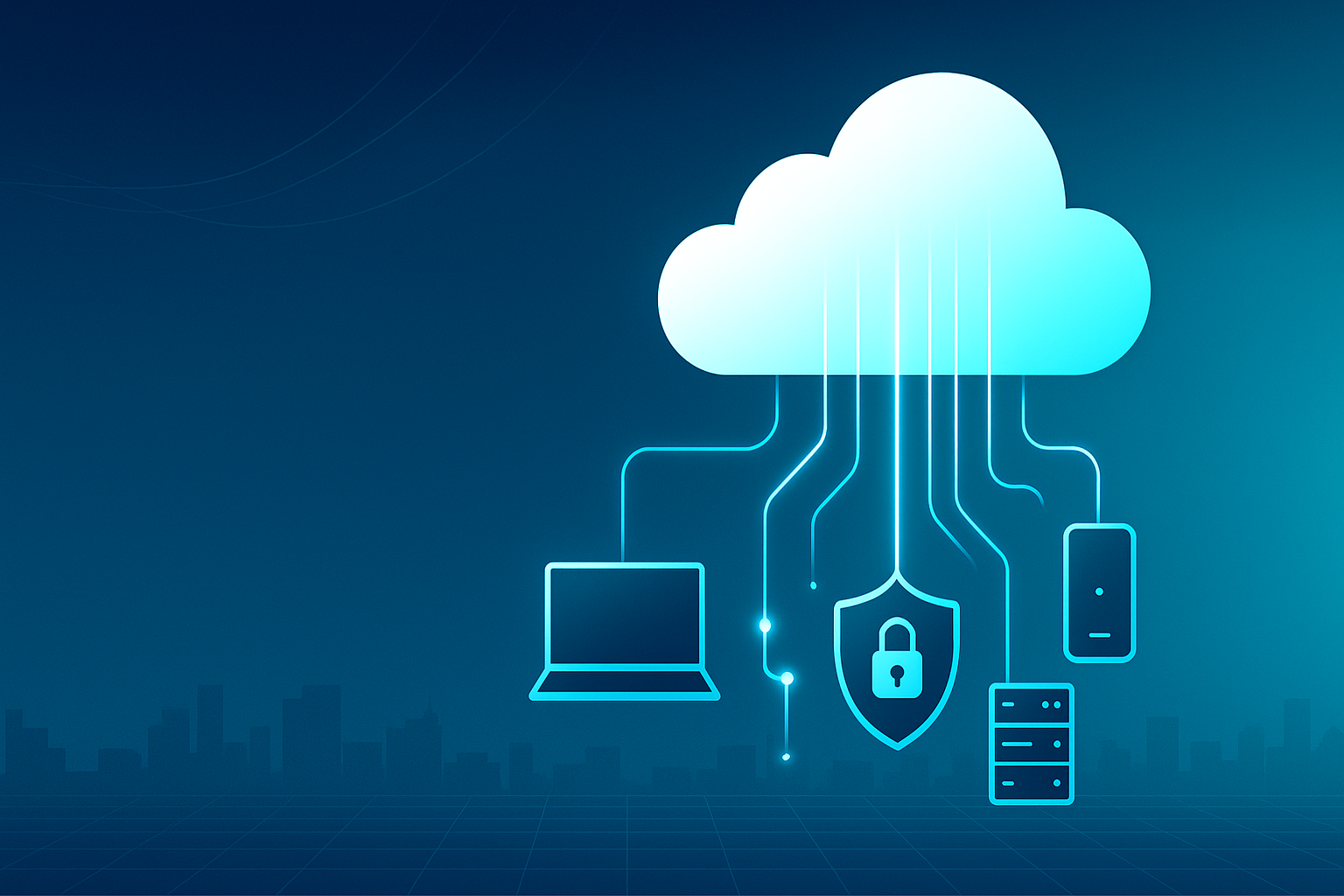
Most teams don’t go shopping for “the cloud.” They go looking for faster work, fewer headaches, and bills that don’t spike every quarter. That’s exactly what Cloud Solutions deliver: your apps, files, and data available anywhere—securely, reliably, and scaled to what you actually use.
What “the cloud” really means (in plain English)
Instead of buying big servers and hoping you guessed the right size, you rent exactly the computing power and storage you need from secure data centers. You can turn it up during busy seasons and down when things are quiet—just like a utility.
Signs you’re ready (even if you didn’t know it)
-
Staff wait on slow systems or VPNs just to access files
-
You’re buying new hardware every 2–3 years (and dreading it)
-
Backups happen “when someone remembers”
-
Teams use different versions of documents and email them around
-
You worry about ransomware, outages, or losing laptops
What you get with Cloud Solutions
-
Speed & agility: Launch new apps or sites in hours, not months.
-
Lower upfront costs: Shift from big capital purchases to predictable monthly fees.
-
Built-in resilience: Automatic backups, disaster recovery, and high uptime SLAs.
-
Anywhere collaboration: Work securely from office, home, or on the road.
-
Security you can trust: Encryption, access controls, audits, and compliance-ready platforms.
Popular ways businesses use the cloud
-
Smart storage & sharing: Centralized files with access by role—no more “final_v7_REALfinal.docx”.
-
Cloud desktops & apps: Employees log in from any device; your data never leaves the secure environment.
-
Backup & disaster recovery: Snapshots and geo-redundant copies keep you safe from outages and malware.
-
Hosting websites & databases: Scale automatically when traffic spikes.
-
Email & productivity suites: Enterprise-grade email, calendars, chat, and video built in.
Quick guide to types (so the jargon makes sense)
-
SaaS (Software as a Service): Ready-to-use apps—email, CRM, accounting.
-
PaaS (Platform as a Service): A developer-friendly foundation to build apps fast.
-
IaaS (Infrastructure as a Service): Virtual servers and networks you configure like your own data center—without the hardware.
How to choose the right setup
-
List what’s critical: Which apps and data can’t go down?
-
Map users & locations: Who needs access, and from where?
-
Set guardrails: Compliance needs, backup targets, recovery time.
-
Budget smartly: Compare current hardware + maintenance vs. cloud subscriptions.
-
Pilot first: Move one workload, measure results, then scale up.
What we offer (the simple part)
-
Assessment & Plan: A quick readiness check and a clear migration roadmap.
-
Deployment & Security: We set up storage, apps, identity, and backups with best-practice security.
-
Ongoing Care: Monitoring, updates, and support so everything just works.
Bottom line: Cloud Solutions free your team from maintenance and unlock the speed to grow. If you’d like a no-pressure cloud readiness check and a tailored plan for your business, I’ve got you—let’s start with your top 2–3 pain points and build from there.
Mini-FAQ
Q: What are Cloud Solutions?
On-demand storage, servers, and apps delivered over the internet—you pay only for what you use and scale instantly.
Q: Will this save me money?
Usually yes: lower upfront costs (no big servers), predictable monthly fees, and fewer maintenance/outage expenses.
Q: Is the cloud secure?
When configured properly—encryption, MFA, least-privilege access, logging, and compliance controls (e.g., GDPR/ISO/PCI).
Q: What happens if the internet goes down?
We design for resilience: offline sync where possible, redundant connections, and documented failover/continuity plans.
Q: Do I lose control of my data?
No. You remain the owner. We set role-based access, audit trails, retention policies, and easy export when needed.
Q: How hard is migration?
We start small (pilot), schedule cutovers off-hours, verify data, and keep rollback plans to minimize risk.
Q: What can I move first?
Email/productivity suites, file shares, websites, and backups—quick wins with measurable impact.
Q: Can it work with my existing systems?
Yes. Hybrid setups let some apps stay on-prem while others run in the cloud, connected securely.
Q: How do backups and disaster recovery work?
Automated, versioned backups with geo-redundancy; we define clear RTO/RPO targets for rapid recovery.
Q: Who supports it after go-live?
We do—monitoring, updates, security reviews, and a help channel so everything just works.

Leave a Reply